Master JavaScript and become a Senior Frontend Developer
Build 20 real-world components, learn JavaScript fundamentals that make frameworks easy to master, and confidently advance your career.
You know you need JavaScript skills if you want to be a good frontend developer.
After all, it’s one of the main languages we use.
And since many framework are built on top of JavaScript, knowing JavaScript makes it easy for you to learn those frameworks — like React, Vue, Svelte, Typescript, and more.
Through Learn JavaScript, I learned that I’m actually capable of programming, and I’m not just a design, HTML, and CSS guy.
I’m only halfway through the course, but I was able to learn Vue in 1.5 days, pass an interview test, and get a senior-level frontend development job.

Michael Levett
Trusted by Industry Professionals and Publications
Learn JavaScript changed the way I approach JavaScript. Now, I actually know what I’m doing when I write JavaScript!
I wish this course was around when I first tried to learn JavaScript. If you’re struggling to learn JavaScript, don’t hesitate to buy this course, it’s worth it.

Kevin Powell
Zell is the rare sort of developer who both knows his stuff and can explain even the most technical jargon in approachable — and even fun! — ways.
I’ve taken his courses and always look forward to his writing because I know I’ll walk away with something that makes me a better front-ender.

Geoff Graham
Your articles are honestly the best resources out there! They have really helped 100Devs folx understand topics that are always stumbling blocks for new devs.
Really appreciate the work you put into your content!

Leon Noel
If you’re looking to learn JavaScript, Zell just made a new course that shows how to build 20 real components from scratch, step by step.
Zell is a really fun person too, so that helps when you’re trying to learn :)

Sarah Drasner
Zell is one of those rare people who commands tremendous knowledge and experience but remains humble and helpful.
They want you to know what they know, not just be impressed by it. In other words, Zell is a natural teacher. You’re lucky to have him because he feels lucky to be able to help you in your journey.

Heydon Pickering
Zell has a really comprehensive style so I’m stoked to have him dishing out some Gulp on CSS Tricks.

Chris Coyier
Here’s how we make JavaScript easy for you
We don't assume you have prior knowledge, so we start from the beginning
We explain everything you need to know (in detail) so you never walk away from a lesson feeling confused, puzzled, or overwhelmed.


We use clear and simple language, so you understand everything that’s being taught
We break complex concepts down into simple terms so you will never get confused. We also reduce jargons into everyday-language so you know exactly what they are.
You understand and remember JavaScript naturally through everyday analogies
We explain important JavaScript concepts through analogies because analogies create a place for foreign concepts to be understood in a person’s mind.
When understood this way, JavaScript becomes difficult to forget, and you remember it naturally.


You get to learn JavaScript, step-by-step, without skipping any steps
Many other JavaScript curriculums skip steps in-between, forcing you to google things you don’t understand. So you end up feeling stuck and lost.
Over here, you never have to google to understand anything — we walk you through every step of the way, like a kind teacher holding a toddler’s hands as they learn to walk.
You'll go from basics, to intermediate, to advanced, really really fast.
You’ll learn techniques, use them, then learn more techniques, and use them again, as you go through te course.
During this process, you’ll shed newbie practices, adopt the practices of a pro, and gain confidence along the way.
Learn JavaScript takes you through all the steps in building the components.
The course doesn’t stop after the first steps. It shows you how to improve the component and include best practices.

Pelle Lundgren
Build 20 real components — Learn to think like a developer
Unlike other courses, we don’t build small, throwaway toys. (That’s not practical nor useful).
Instead, we guide you through the process of creating 20 real-world components, from scratch. Then we enhance them with advanced features and best practices as you go along.
By the end of this process, you’ve had so much practice that you’ll automatically think like a developer.
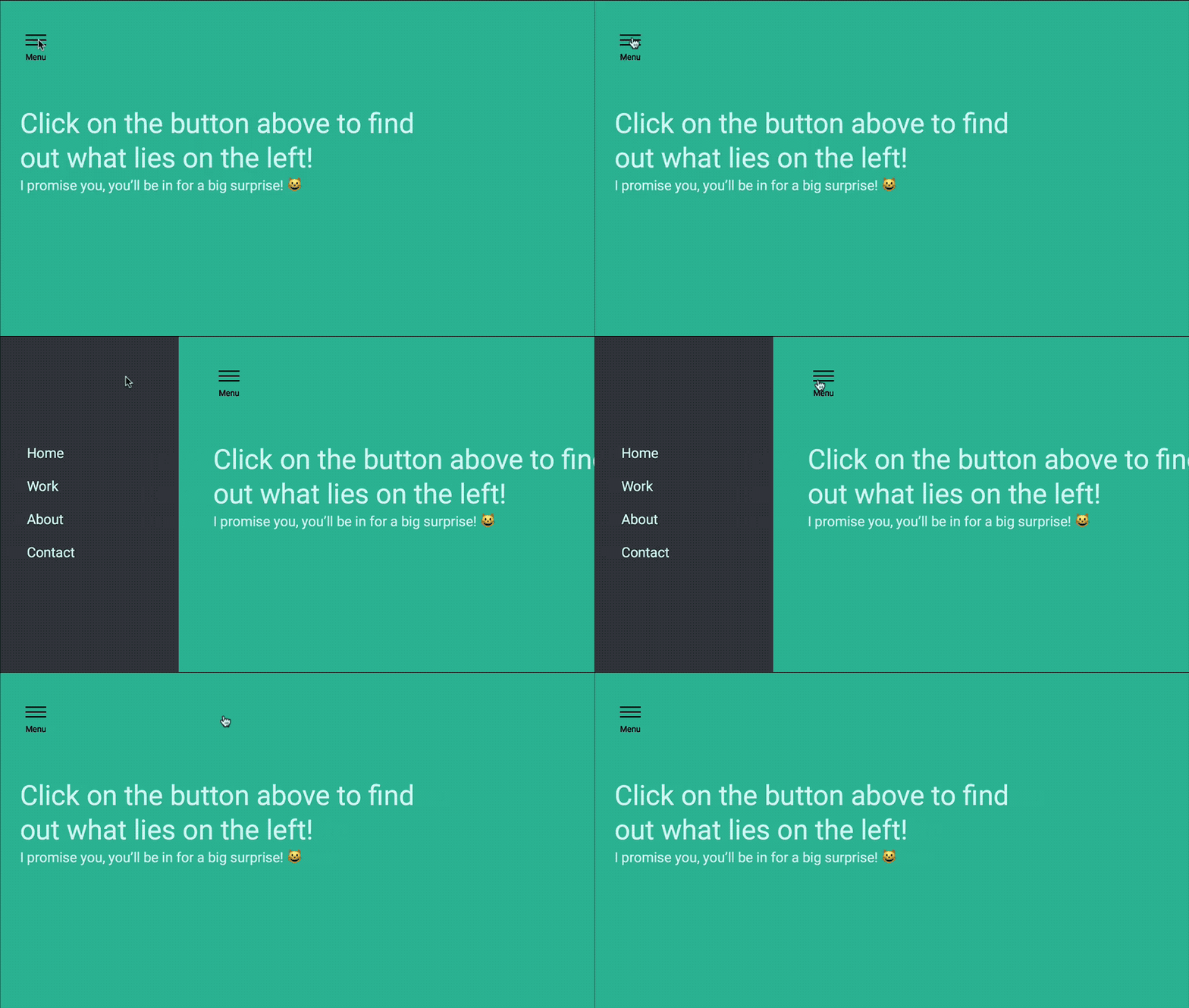
Off Canvas Navigation
The simplest and most practical component you can ever build.
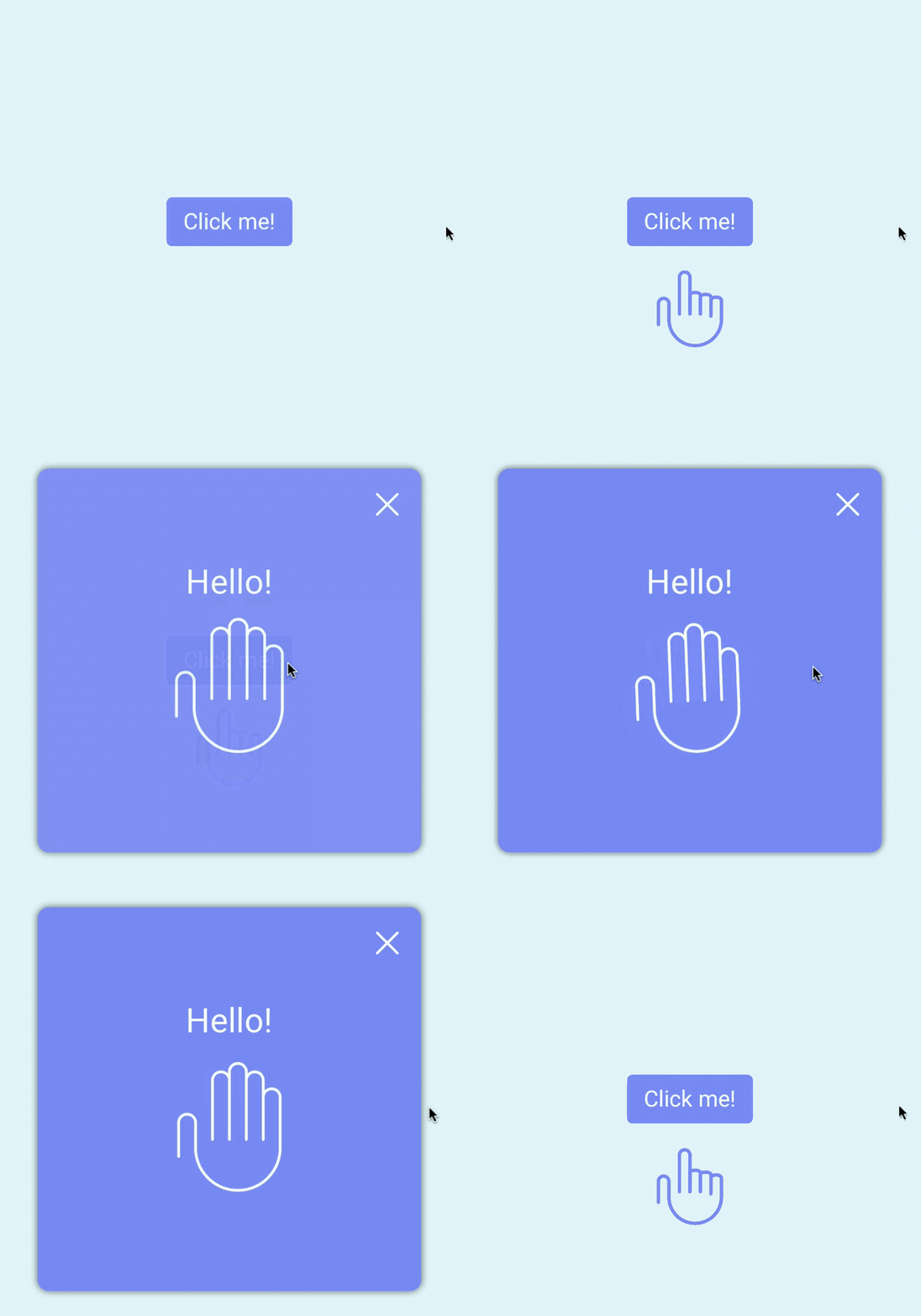
Modal
The second easiest thing to build with JavaScript at the beginning. (It gets complex later).
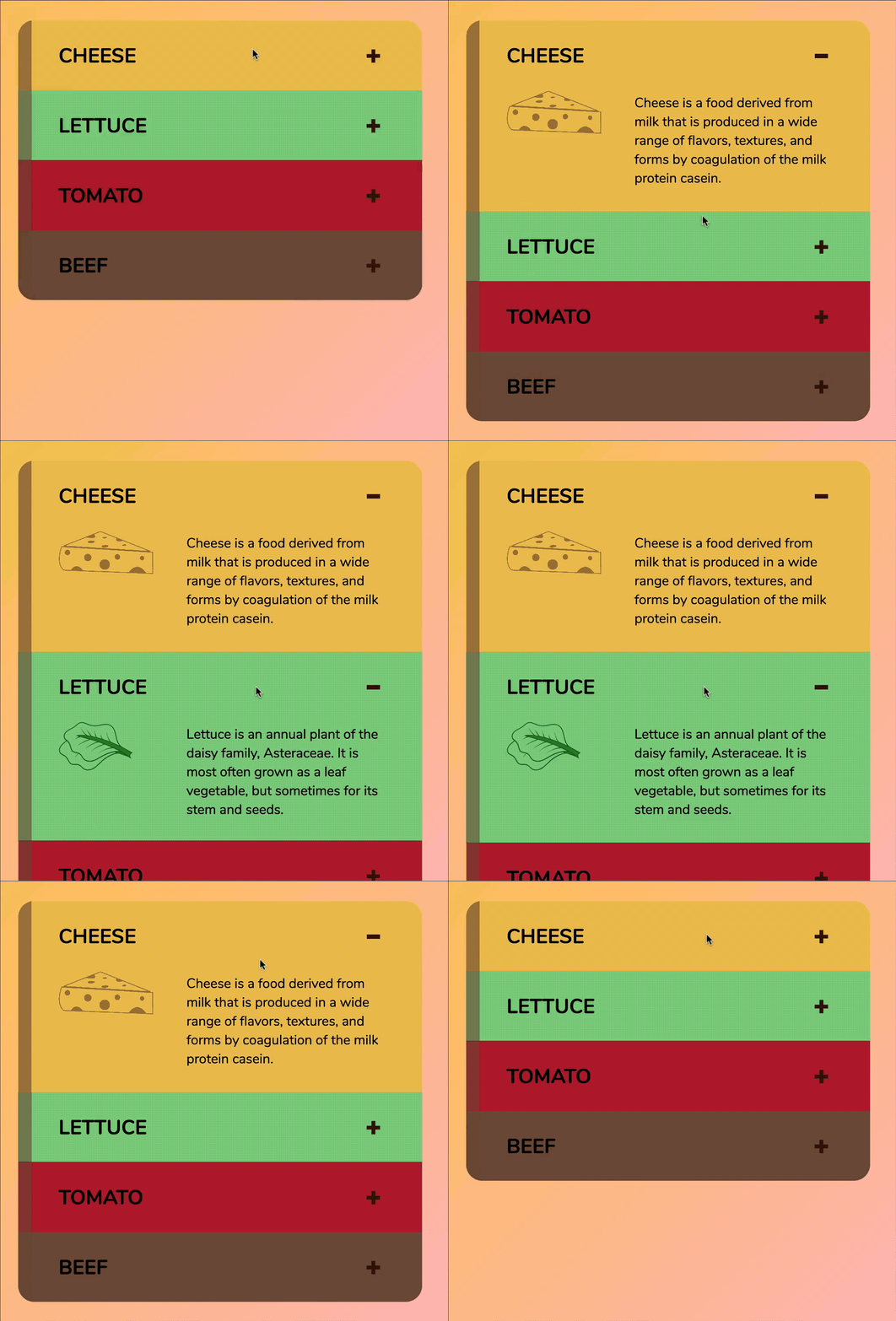
Accordion
Perfect for learning to use loops
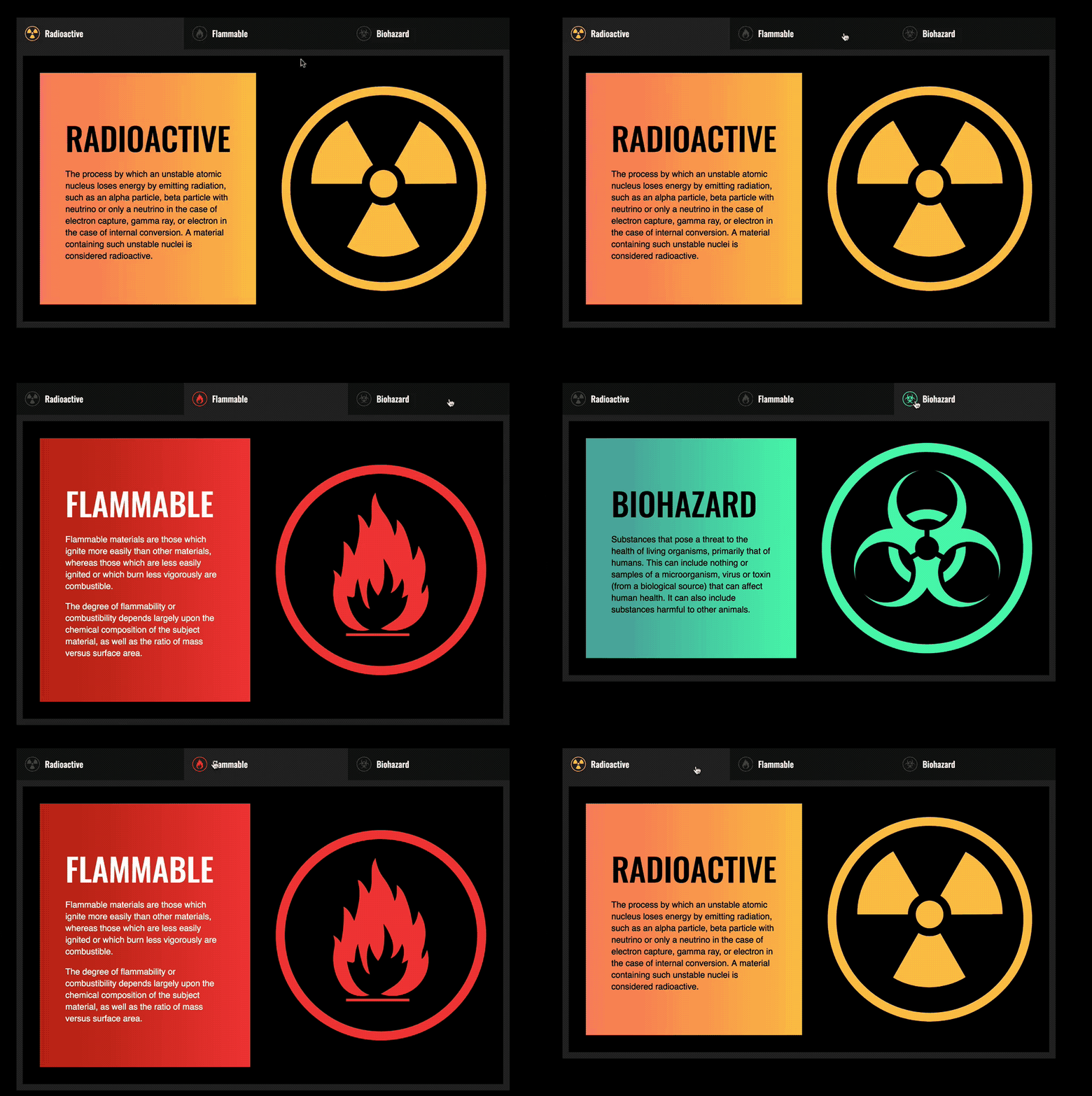
Tabs
Practice loops at the start too — then enhance for accessibility later.
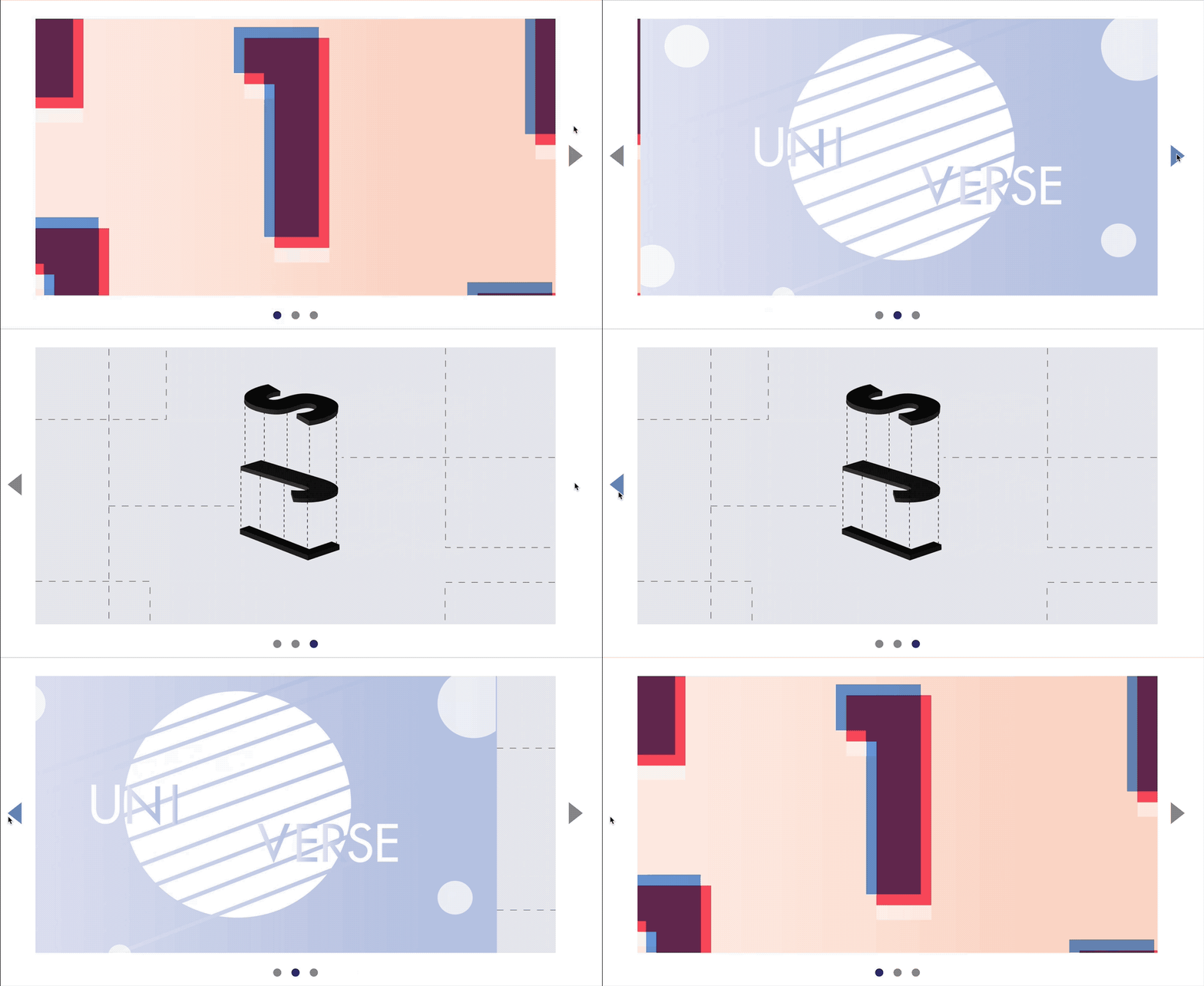
Carousel
Amazing for understanding basic DOM manipulation and event delegation.
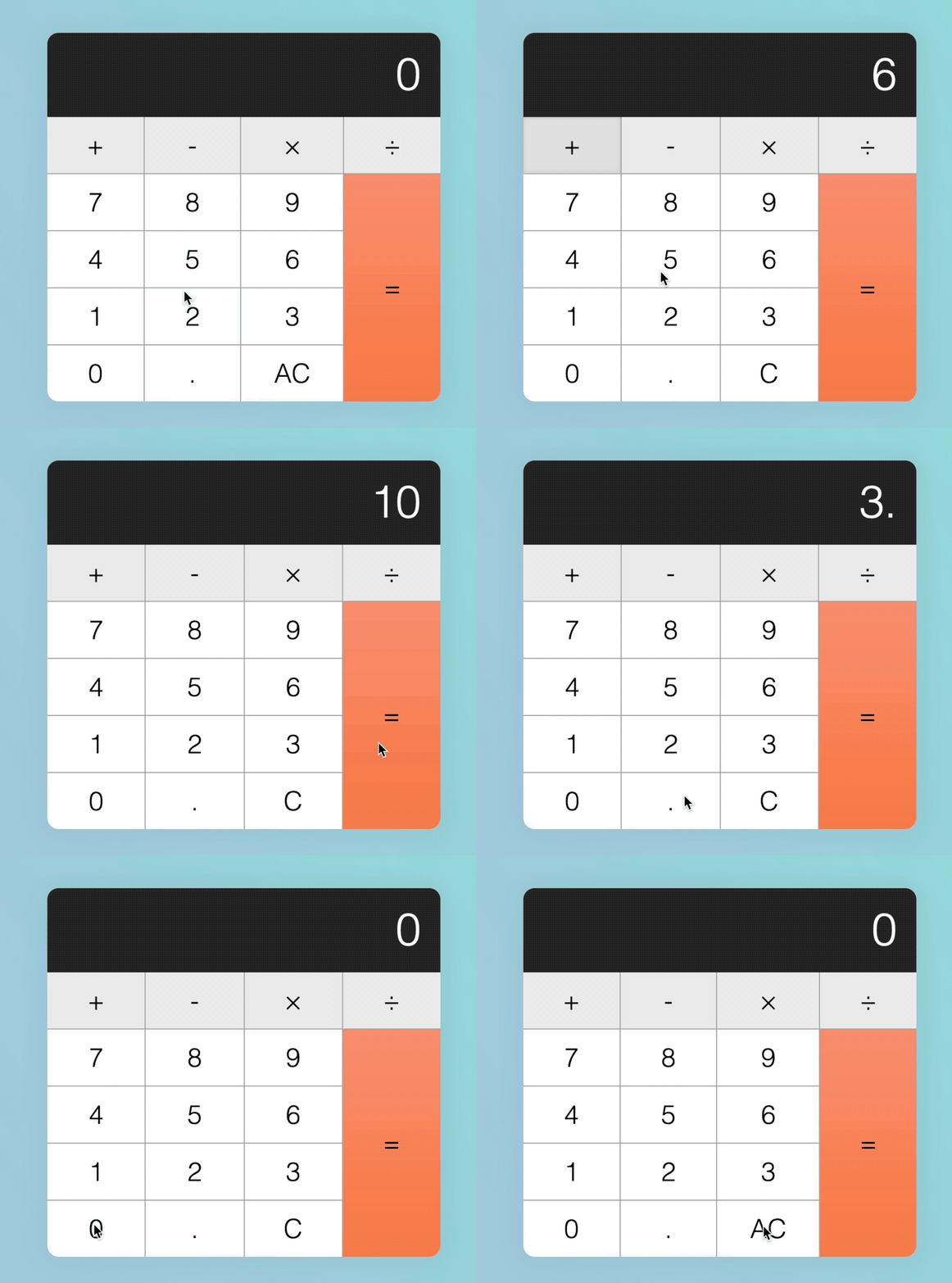
Calculator
Our first real complex component — great for understanding edge cases and refactoring.
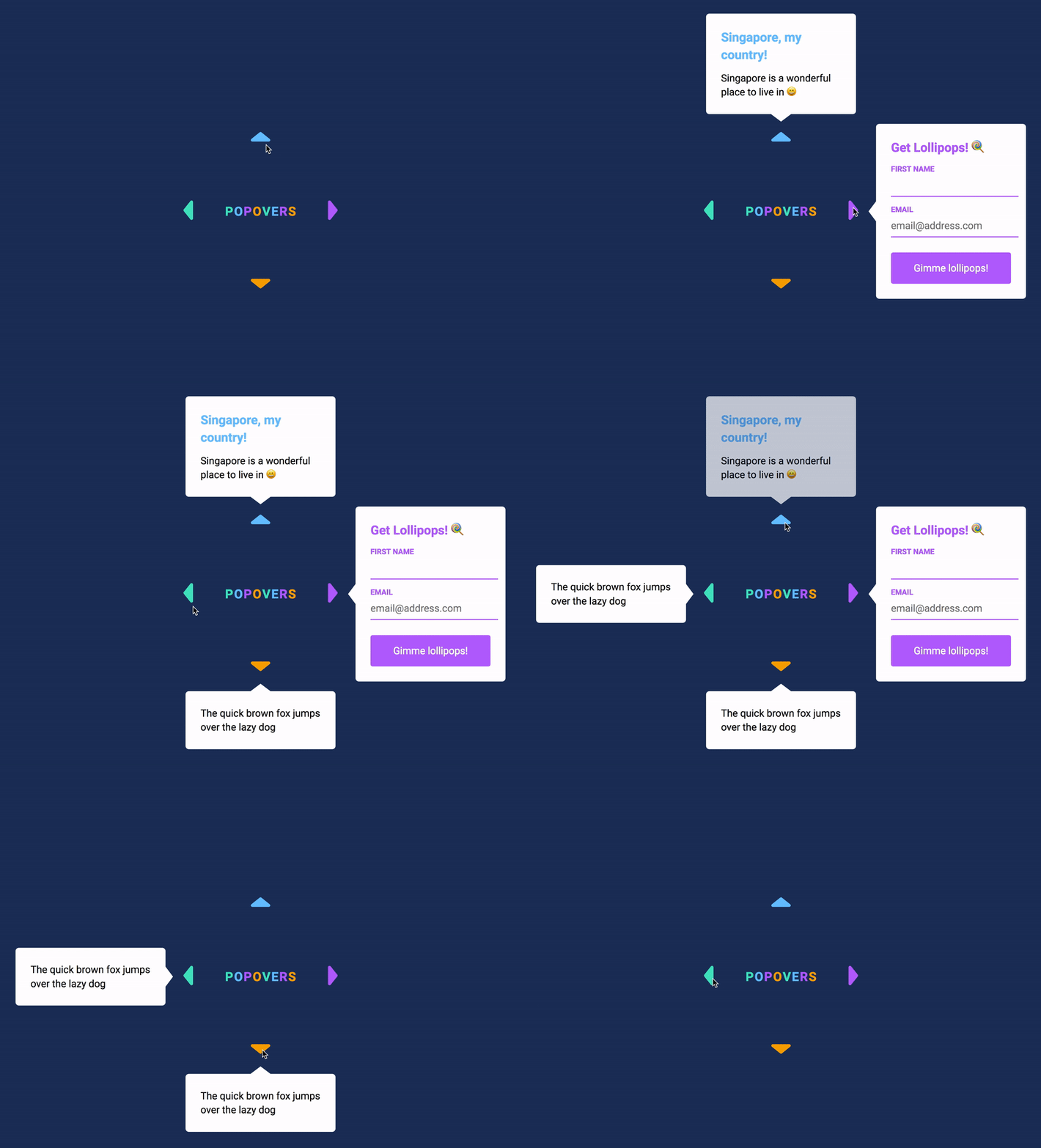
Popover
Placing things with exact precision is one of the important aspects you have to understand to build good UI. We explore this in the Popover.
(We don't use the Popover API for this one).
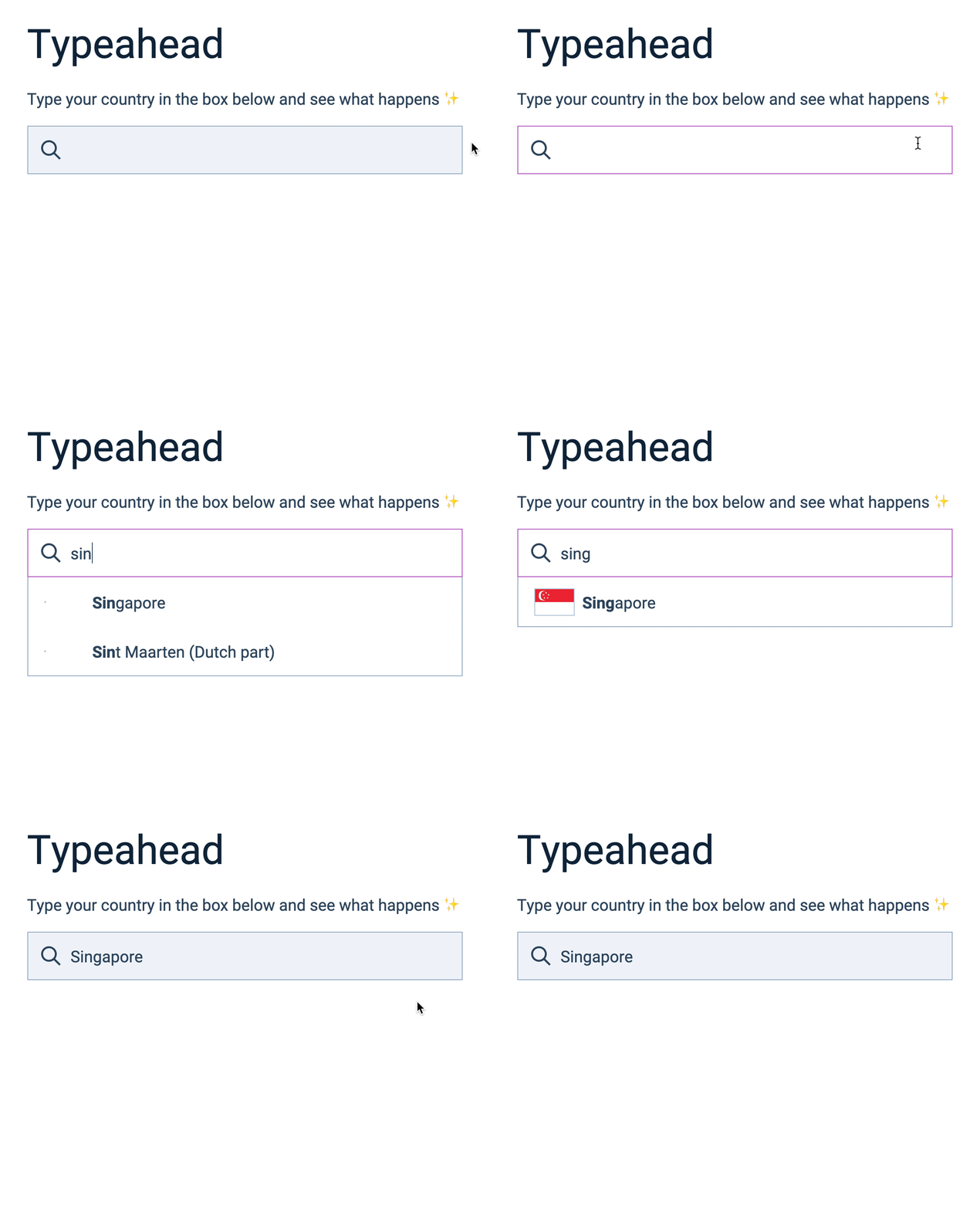
Typeahead / Autocomplete
We explore how to create HTML elements, how to place them into the DOM, and also how to filter data — all these are important concepts for later components.
Google Maps Clone
Learn to create a Google Maps component with Google Maps API — you’ll feel accomplished for doing something really complex.
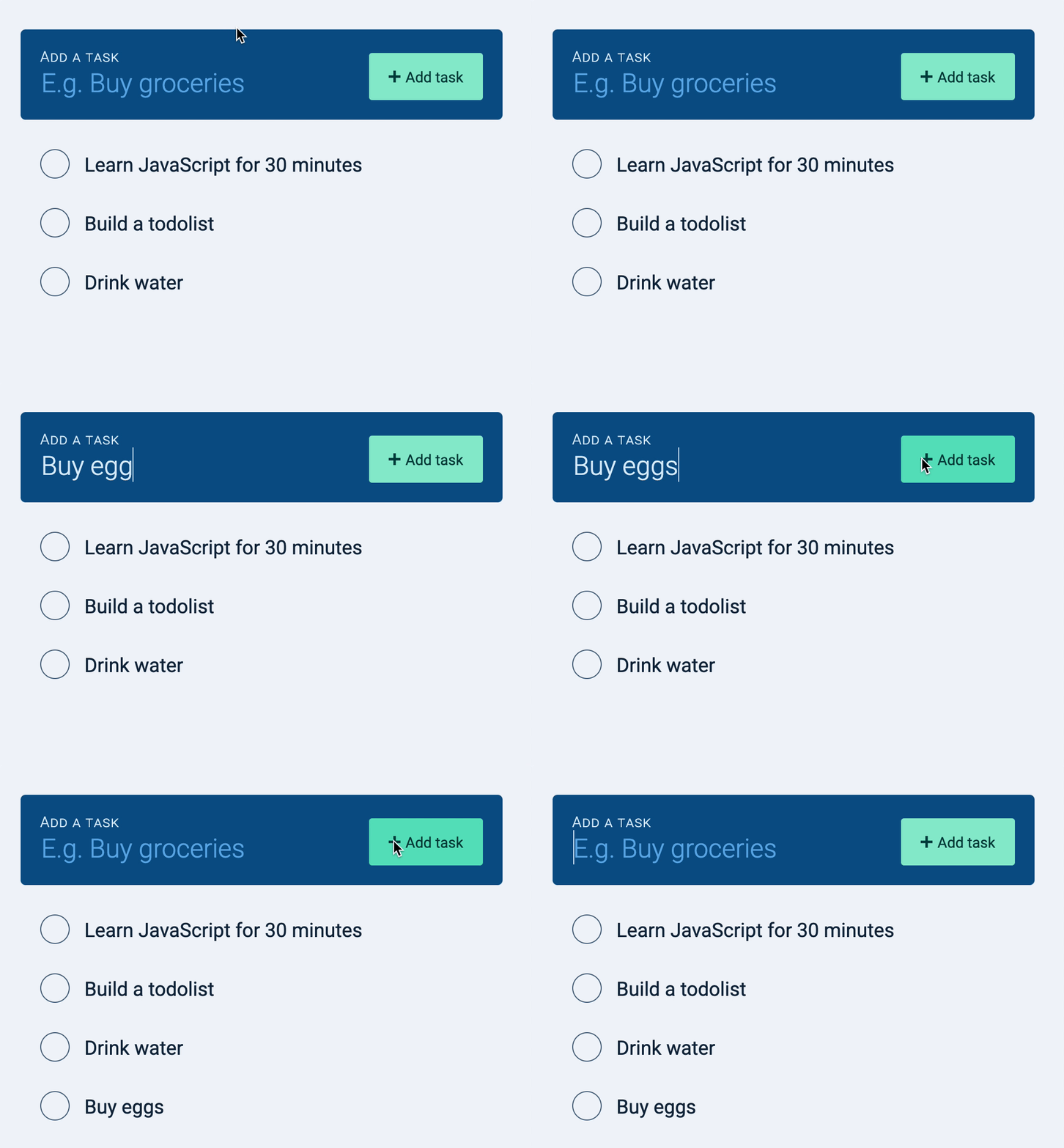
Todolist
The Todolist gives you the opportunity to build a real app with Async JS and REST API — optimistic UI included!
Dota Heroes Page
Here we play with a real public API. You’ll learn to find the data you need, fetch them, and work the data to create a proper app.
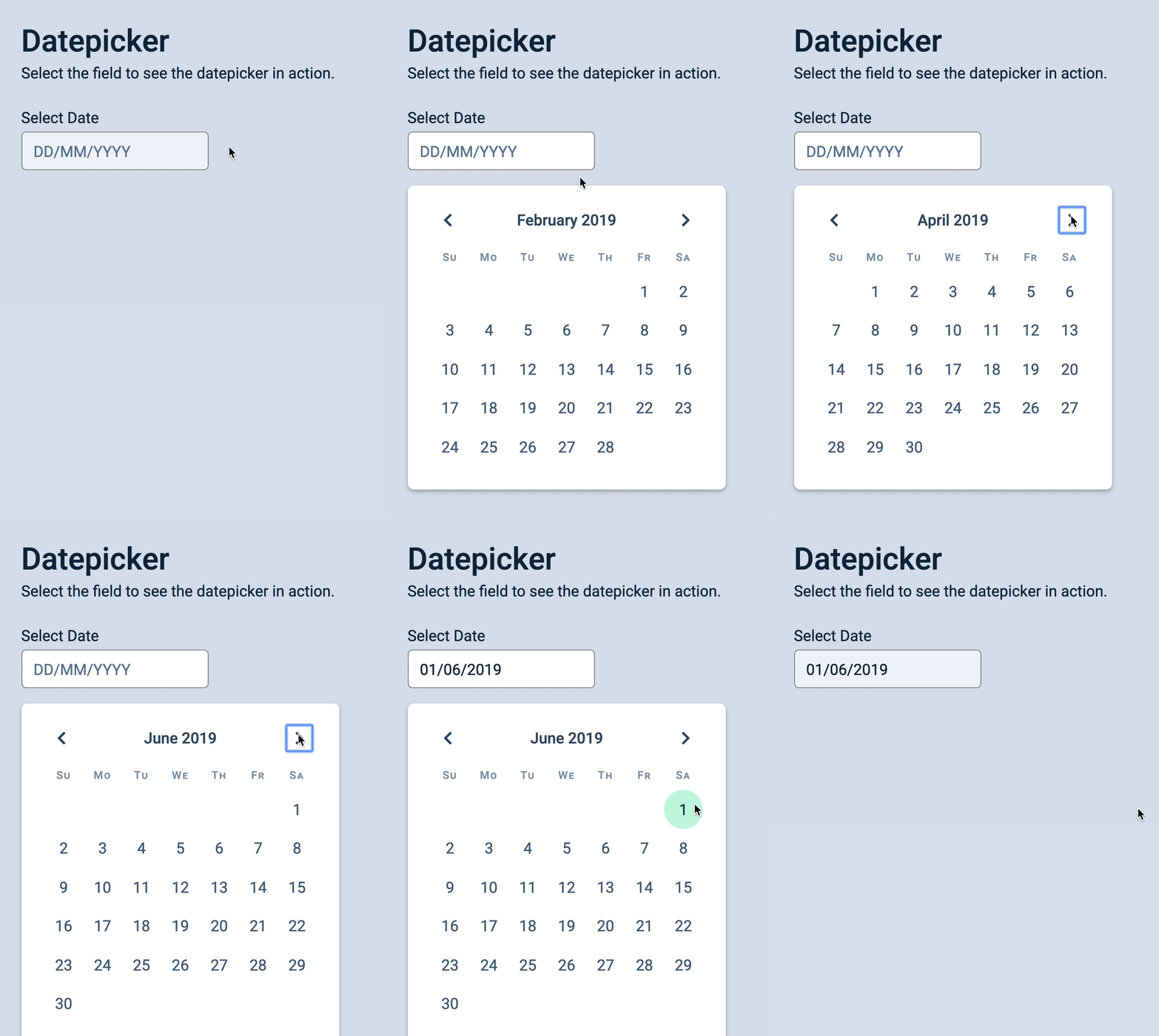
Datepicker
Lots of nifty CSS and JavaScript tricks in this one — including keyboard interactions for power users.
Countdown Timer
Besides just counting down numbers, you learn to work with dates, timeouts, intervals, unix epoch, and Daylight Savings.
Auto Hiding Sticky Nav
This is where we begin to play with basic scroll events — which is useful for delightful interactions.
Slide Reveal
Here you’ll learn to use the Intersection Observer to build scroll-based interactions.
Infinite Scroll
The Infinite Scroll is a useful pattern for loading information after a user scrolls to a certain point.
Spinning Pacman
In this component you learn to use mouse, touch, and pointer events effectively to detect and trace movement. Kinda mesmerizing…
Drag and Drop
Here you’ll learn to use mouse and pointer events to build a drag-and-drop functionally entirely in JavaScript in just 100+ lines of code.
You’ll be amazed by what you can make!
Tiny Framework
Learn to about frameworks by building a framework — so you understand the inner workings and never be confused.
Single Page App
Everything you need to know to build Single Page Applications with JavaScript. This helps you understand routing and url manipulation.
The Lesson Plan
22 chapters and 351 lessons that guides you from beginner to expert
I’ve designed these lessons to help you learn JavaScript easily and effectively.
Over the years, I’ve also reworked many lessons (based on students’ experience) to remove any friction you might face. So you’ll find Learn JavaScript much easier to understand here compared to most other courses.
Start learning for freeJavaScript and its ecosystem
Put the concepts and ideas in the right places by first understanding the ecosystem.
JS Basics
Get to know the foundational basics where you’ll build the rest of your skills on.
Building simple components
Begin to think like a developer by building simple components.
Arrays and loops
Gain clarity over the most confusing chapter for newbies.
Dom basics
Have full control over the DOM — and make magic happen.
Events deep dive
Gain mastery over Events, which is a core system in Vanilla JavaScript.
Transitions and Animations
Learn to create smooth and buttery animations that enhances everything you build.
Useful JS features
Use the best JavaScript features to make coding much easier
JS Best practices
Use industry-proven best practices to write code that’s easy to read, maintain, and debug
Manipulating text and content
More DOM goodness — which means more power and magic over what you can do.
Handling Forms
Everything you need to know about forms to build websites and apps
Handling Dates
Everything you need to know about Date and Time in JavaScript—without using any libraries.
Async JS
Master almost everything you need about Async JS—except building servers for Rest APIs (which is covered in another course).
Advanced Async JS
Real and practical stuff you’ll need to do, beyond the basics.
Handling Keyboard Events
Make your website and app keyboard accessible, and give power users keyboard shortcuts to play with.
Screen reader accessibility
Everything you need to know about JavaScript accessibilty written for self-taught developers.
Handling Scroll
Learn to add fancy animations that gives your website the zing when a user scrolls.
Mouse, Touch, and Pointer events
Everything you need to know about handling mouse, touch, and pointers.
Object Oriented Programming
Learn about this major JavaScript pillar. We only cover this here because you need sufficient skill before diving into this chapter.
Writing reusable code
Learn to make your code reusable so you can build stuff faster.
Going from Vanilla JS to JS Frameworks
Understand how to use a framework by building one — absolutely overkill, but you emerge with incredibly deep skill and expertise
Building Single Page Apps
Learn everything you need about building Single Page Apps without the use of a framework — another overkill, but you understand what all framework routers do.
Here’s your chance to be amazing at JavaScript
Select a plan below begin your journey to vanquish the JavaScript dragon.
Your journey will be exciting and rewarding. And treasure awaits you at the end of your adventure. (Let’s make it fun, yeah? :D)
Free
Get 3 chapters and experience the lessons for yourself.
-
Lifetime access to 3 chapters (32 lessons) -
Build 2 real components -
Community access
Free
(No credit card required)
Adept
Helps you get good enough to use frameworks effectively
-
Lifetime access to 13 chapters (153 lessons) -
Build 7 real components -
Community access
$275
(Or 6 payments of $55)
Mastery
Master JavaScript and become a senior frontend developer .
-
Lifetime access to all 22 chapters (351 lessons) -
Build 20 real components. -
Community access
$495
(Or 6 payments of $99)
Everything
Get support in all other areas of web dev — including CSS, Design, and more.
-
Everything in Mastery -
Access all our courses -
Access all our workshops -
Community access
$50/month
(Get 2 months off with annual payment)
Once you have decided:
- Click the respective button
- Make payment
- And you’ll receive an email with your password to login to the course portal
Here’s what you can expect as you begin to go through Learn JavaScript:
- Today: You begin to understand where JavaScript fits in the technology stack.
- Tomorrow: You’ll get 2-3 aha moments about JavaScript and have your motivation and hope rekindled.
- Within this week: You might be able to build your first practical component even without our help.
- By the end of this month: You’ll have confidence that you can not only learn but master JavaScript.
Here's what students have said about Learn JavaScript
I just turned 63 and as a former teacher, I can really appreciate the time, thought and organisational skills you have devoted to Learn JavaScript.
Your class beautifully structured. I’m still working my way through Learn JavaScript and I actually UNDERSTAND and I’m LEARNING and I’m beginning to feel the creative possibilities of coding!
It is thrilling to still be able to comprehend a totally new language system as an old person! Maybe I will ward off dementia!
Judy Fieth
Learn JavaScript is my number one choice for learning JavaScript. I finally feel that JavaScript is within my reach.

Elmir Halebic
The course showed me a clear path to learn the language. It integrated theory into real-life projects and helped me stay focused and motivated while learning.
I’m no longer afraid to show my work at job interviews because I have became much more confident in my JavaScript skills, thanks to Zell and Learn JavaScript.

Ion Leahu
Zell explains things in a way that no other instructor has been able to do in my 15+ years of trying to “self-educate” in the world of Javascript.
He shows me how to use JavaScript theory to build real UI, then how to refactor my code with useful and modern techniques.
Thanks to the things I learned from the course, I have since refactored our style guide at work and I found the confidence to start a Vue project.

Joshua Briley
Learn JavaScript is an incredible resource that helped me save time from searching around the internet for answers! It showed me the full landscape of the Vanilla JavaScript ecosystem.
Every time I jump into the course, I deepen my javascript knowledge and I become more marketable for work in the future.

Lauralee Flores
Learn JavaScript will turn you into a JavaScript wizard. It is one of my favorite resources due to Zell’s ability to present content in a crystal clear manner.

Christian Boyle
Learn JavaScript is the best and most helpful JavaScript course I found. I used to think that JavaScript is overwhelming and hard. Now, I gained the confidence that I can not only understand JavaScript, but I can master it.

Jesse Mcintire
I no longer panic when I use JavaScript. Zell makes JavaScript fun and easy to learn. He explains technical jargon with everyday life examples that make me curious and excited to learn every day!

Marion Couneson
I love the step-by-step structure in Learn JavaScript. I also love the text-based approach to lessons. They helped me understand and internalise JavaScript instead of feeling “I just watched some videos”.

Dave henson
I used countless other books and courses before, but none of them gave me the applicable knowledge I needed to be a solid frontend developer.
Learn JavaScript is the only course that gave me that knowledge.

Ernest Weems
Learn JavaScript is easy to follow. Zell seems to knows what people struggle with. He uses examples to demonstrate concepts.
I’m able to learn faster compared to other methods I tried. And now, I am able to complete Codewars challenges.

Erik Schjolberg
Learn JavaScript cleared up many questions I had about JavaScript. I saved lots of time from googling, and I became more confident as a developer.
I learned to build exciting UI components that I’ve always wanted to build.

Israel Obiagba
This is the first course where I learned to differentiate which parts of JavaScript are important and which parts are not.
I used the knowledge I learned to create real components. It’s very satisfying to see my code doing something of real and practical use.

Jake Chiam
Learn JavaScript changed the way I approach JavaScript. Now, I actually know what I’m doing when I write JavaScript!
I wish this course was around when I first tried to learn JavaScript. If you’re struggling to learn JavaScript, don’t hesitate to buy this course, it’s worth it.
Kevin Powell
Learn JavaScript gave me a deep understanding of the language and its capabilities. Even though I am a professional web developer, I gained new perspectives on things I already know, and I also learned new things that I didn’t know before.

Maxim Konoval
Through Learn JavaScript, I learned that I’m actually capable of programming, and I’m not just a design, HTML, and CSS guy.
I’m only halfway through the course, but I was able to learn Vue in 1.5 days, pass an interview test, and get a senior-level frontend development job.
Michael Levett
Learn JavaScript is different. Zell pays attention to each student and to the little details in order to make the course better. After going through the course, I was able to help newer programmers with their questions!
I would’ve given up on learning JavaScript long ago if it weren’t for the community in Learn JavaScript.

Michiko Y.
I’ve tried lots of other JavaScript courses, both free and paid. Learn JavaScript is the only course that helped me understand JavaScript. It explained everything in depth and it gave me lots of examples.
I can now think like a developer, build applications myself, understand other developers’ code, and even answer questions on StackOverflow.

Adam Ragheb
Learn JavaScript helped me discover holes in my knowledge even though I have a few years of JavaScript experience!
I became more confident when working with frameworks and libraries, and I spend less time on Google and Stack Overflow.

Oriol Gasquez
Learn JavaScript takes you through all the steps in building the components.
The course doesn’t stop after the first steps. It shows you how to improve the component and include best practices.
Pelle Lundgren
What I loved about Zell’s work is that they’re really detailed but not overwhelming. He guides me slowly, from basics to more advanced concepts, step by step, taking time to make sure I understood everything before going deeper.
Thanks to Zell, I got a front-end web development job abroad, in the wonderful city of Lausanne in Switzerland!

Pierre Wizla
This is the course I’ve been needing my whole career. If you really want to learn JavaScript, you need this course.
I now feel so much more confident in JavaScript. I can read and understand JavaScript without relying on Google for answers.
And I love having Zell as a mentor. He is patient and willing to teach me and other members of the community

Rich Edmund
Learn JavaScript is the best way to learn JavaScript. I never found anything like it out there. It starts all the way from the beginning. And it shows you understandable code examples all the way through.
The course pushed me forward in my coding career. JavaScript became fun to write. And I no longer avoid JavaScript.

Robert Mittl
I love Learn JavaScript. This course is a fail-safe system for learning JavaScript. If you want to really understand JavaScript, this is the only course you’ll need.
Zell breaks everything down into simple understandable blocks. He encouraged and empowered his students to ask questions, which helped me learn a lot.

Shahar Levy
The lessons in Learn JavaScript are clear and easy to understand. It’s way beyond my expectation.
I found a better web development job thanks to the skills I learned from Learn JavaScript.

Sirapop Lam-o-pas
Learn JavaScript is excellent. It is beginner friendly and has very clear explanations. It does not assume I knew anything and zip through things unlike other courses.
It’s very easy for me to learn with the examples and source code provided.

Tim St. John
Learn JavaScript helps to build your web fundamentals, which helps you with your work, regardless of what framework you decide to work in.
I highly recommend taking this course whether you’re starting out or already experienced in Javascript.

Tom Mulkins
Like these people before you, as soon as you take the plunge, you to see that JavaScript isn’t that hard after all.
You can learn JavaScript too.
Get 3 chapters for freeHeya, My Name is Zell

I taught myself how to code so I was deathly afraid of JavaScript at the beginning of my career.
I would avoid JS and use CSS whenever I could. (Checkbox hack, anyone?).
But deep in my heart, I knew I had to master JavaScript. So I took a plunge and learned it after freezing up for many moons.
The process was tough, but learning JavaScript opened up many opportunities for me. It increased my confidence and gave me the strength to stand out.
I did a pretty good job explaining CSS back then, so many people asked me to write a JavaScript course.
I thought for a long time but I finally said yes. When I did, I wanted to make sure nobody else had to suffer from the same fear and frustration I had — so I made a course that covers everything you need to know.
Little did I know, it turned out to be a huge one.
Anyway, this course is my gift back to the web development community. Hope you enjoy it.
Frequently Asked Questions
Here are some questions people have asked before joining Learn JavaScript
The Learn JavaScript Guarantee
I’m willing to guarantee that you’ll learn JavaScript through this course — even if you’ve struggled with others. After all, I built this course for people like you.
If you have problems, just pop over to the community and ask questions — I’ll be there to help you out. (Please excuse a slightly delay).
But if you want a refund for whatever reason, just email me within 30 days and I’ll refund your investment in full.
Join Learn JavaScript today
I’d say it’s time to vanquish the JavaScript dragon that’s blocks your path to success.
Make it fall. Or befriend it. Either way, you’ll be better off doing this than being scared of that immovable and unrelenting obstacle.
Free
Gain confidence in JavaScript.
-
Lifetime access to 3 chapters (32 lessons) -
Build 2 real components -
Community access
Free
(No credit card required)
Adept
Good enough to learn frameworks.
-
Lifetime access to 13 chapters (153 lessons) -
Build 7 real components -
Community access
$275
(Or 6 payments of $55)
Mastery
Become a JavaScript Jedi.
-
Lifetime access to all 22 chapters (351 lessons) -
Build 20 real components. -
Community access
$495
(Or 6 payments of $99)
Everything
Access all our courses and workshops
-
Everything in Mastery -
Access all our courses -
Access all our workshops -
Community access
$50/month
(Get 2 months off with annual payment)