


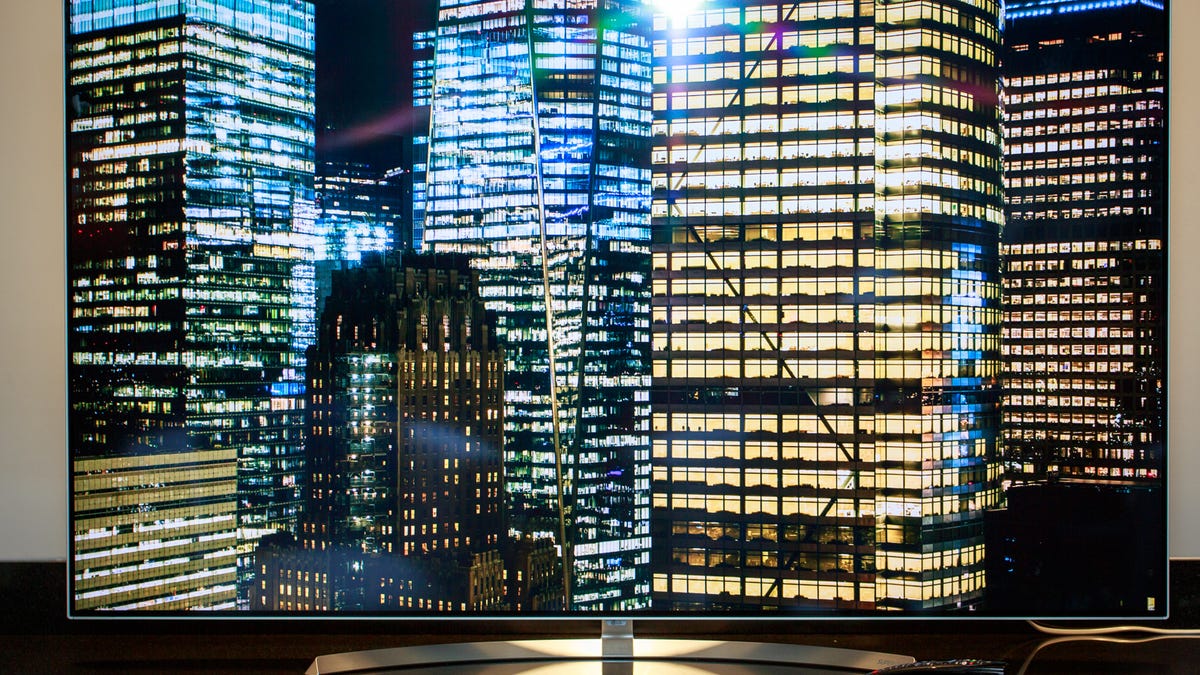
When it comes to LED LCDs, as in every TV that's not OLED, the key to the best picture quality is a technology called "local dimming." This gives the TV greater control over what parts of the screen can be dark or bright when the image requires it. So when the TV shows a night sky, for example, it can be suitably dark, but when it's showing a beach at midday, it can be bright. More importantly, it's able to do this within the same image. The moon in a night sky, for example.
Done right, this technology can dramatically increase the TV's contrast ratio to make a far better-looking image. It's also vital to get the intense highlights possible with High Dynamic Range (HDR) content.
But not all local dimming works the same, and certain types of local dimming work better than others.
This article is a distilling/expansion of a sliver of the longer LED LCD backlights explained. Check out that article for even more info. If you're really only interested in local dimming... read on!
Local dimming highlights (pun intended)
- All modern TVs, except for OLED, use LEDs, or light-emitting diodes, to create light.
- Typically there are between a few dozen and a few hundred, rarely more, LEDs per TV.
- Local dimming means the TV can address these LED more than just all as one unit.
- No local-dimming TV can address each LED individually, instead they're grouped into zones.
- Generally the more zones the better, though most companies don't reveal how many zones their TV have.
What it is
LED LCDs don't have the contrast ratio potential of OLED. As such, their images don't have quite the depth and three-dimensionality that's possible with other technologies.
Local dimming was developed to improve this aspect of LED LCD performance. By dimming the parts of the screen that should be dark (a character in shadow, perhaps), and keeping bright the parts of the screen that should be bright (a nearby well-lit window, say), you can improve the apparent contrast ratio. As LCD technology advanced, local dimming has as well. As the LCD industry moved towards the cheaper, thinner edge-lit methods, local dimming was adapted to work with these TVs too.
Full-array local dimming
This is the full monty. The name refers to an array of individual LEDs behind the LCD panel, all pointing out through the screen toward your eyeballs. To give you an idea what's going on behind the scenes, below is a TV with a section of the part of the TV that makes the image removed so all you can see is the local dimming backlight in action.
A prototype TV demonstrates Sony's Backlight Master Drive local dimming technology.
While individual control of all these LEDs would be ideal, the most common method is a set number of "zones." Depending on the TV, these could number in the dozens or more. Unfortunately, most LED TV makers don't disclose the number.
Each zone is responsible for a certain area of the screen. Objects smaller than the zone (stars in the night sky, for example), don't benefit from the local dimming, and can look muted as a result. Also, if a zone is lit, and an adjacent zone isn't lit, you could see a halo/bloom as that part of the screen becomes brighter than its neighboring zone. This artifact is commonly known as "blooming."
At its best, full-array backlit local dimming produces the best images you can get with LCD. It's also always more expensive than TVs from the same company with one of the other backlighting methods discussed below.
To get the most out of HDR content with an LCD, full array local dimming is best.
The main downside is cost. Because there are more LEDs, the TVs are more expensive than models without full-array local dimming.
The top-of-the-line models from most manufacturers are full-array... but not always. Since edge-lit TVs are thinner and cheaper to produce, they're far more common. Today, "local dimming" is used as a blanket term, so it's important to check the specs (or our reviews) for which models are full array.
Edge-lit local dimming
Most mid- and lower-priced LCDs are edge-lit. With these all the LEDs are along the edge of the TV, facing the center of the screen.
Local dimming, in this case, becomes a bit looser of a term. Yes, the TV can still dim areas of the screen, but those areas are much larger than they are with full array, as you can see in the image above.
Worst-case, the "local dimming" could be nearly invisible, or dim huge swaths of the screen at a time, neither offering any benefit. In some cases, it could result in a worse picture.
Best-case, there's a noticeable improvement in the picture quality over a TV with no local dimming at all. It still won't look as good as a well-implemented full-array TV though. The pin-point highlights of HDR, for example, aren't possible here, though some models might still offer Wide Color Gamut (which is related to HDR, but separate).
Depending where the LEDs are (along all four sides of the screen, just the right and left, just the top and bottom, or just the bottom or the top), edge-lit local dimming can have widely different performance.
For the full story on all the different methods, plus illustrations of what each can look like in practice, check out LED LCD backlights explained.
Global dimming/Back-lit
One last trick isn't really "local" dimming as much as it's just "dimming," or maybe "global dimming." The entire image will get darker with dark scenes, and stay bright with bright scenes. As in, the entire backlight functions as one single light. This is common among the least expensive LCD TVs.
It's common on these models, for example, that when given a full black image (like the fade-out at the end of a movie, but before the credits start) the LEDs will shut off completely, making the TV seem like it has a really good black level.
This is fake, of course. If anything should appear, the LEDs kick back on, and the black level jumps up, revealing the TV's true (and far more muted) contrast ratio. There are some tiny energy-saving benefits to turning off the LEDs, but visually this on/off can be distracting.
Another variation of this theme senses the average brightness of the scene and, during darker scenes, ratchets down the whole backlight. Again black levels improve because the whole screen is darker, but this is at the the expense of bright highlights. Sometimes this causes visible fluctuations in overall brightness.
Many, many LEDs
There's a new variation on local dimming, a sort of full-array on steroids. It's called mini-LED, and the first TV to ship with the technology is the TCL 8-series. Instead of a few hundred, or at best a few thousand, LEDs in the backlight, mini-LED has tens of thousands. In 75-inch 8-series, for example, has 25,000 LEDs with over 1,000 addressable zones. For comparison, their next-step down TV has around 100 zones. The LEDs themselves are smaller than they are on a traditional LED LCD TV, but they make up for it in numbers.
On the left, the image as you'd see it on a mini LED TV. On the right, an illustration of the mini LED array on the back of the TV. Note how much more you can make out compared to the comparison above. With far more LEDs, the backlight has a greater "resolution," so there can be finer distinctions between light and dark. The ideal, like OLED and micro LED, would be per-pixel illumination, but mini LED is a step closer to that without the cost of the other two technologies.
Bottom line
Not all local dimming is the same, and it's since it's a huge part of how a TV looks, it's worth thoroughly researching any TV you're considering. It all comes down to "don't believe the marketing hype," at least not at face value. Local dimming can be a way to get near-OLED levels of picture quality. Or, it might offer some improvement compared to basic TVs, with a pleasing but not class-leading image. Or, it could just be a marketing label for something that's not really any benefit at all. As usual, the best way to know is to check the reviews, where TVs with good local dimming do really well.
Got a question for Geoff? First, check out all the other articles he's written on topics like why you shouldn't buy expensive HDMI cables, TV resolutions explained, how HDR works and more.
Still have a question? Tweet at him @TechWriterGeoff, then check out his travel photography on Instagram. He also thinks you should check out his best-selling sci-fi novel and its sequel.