
 Lessons: 24Length: 3.5 hours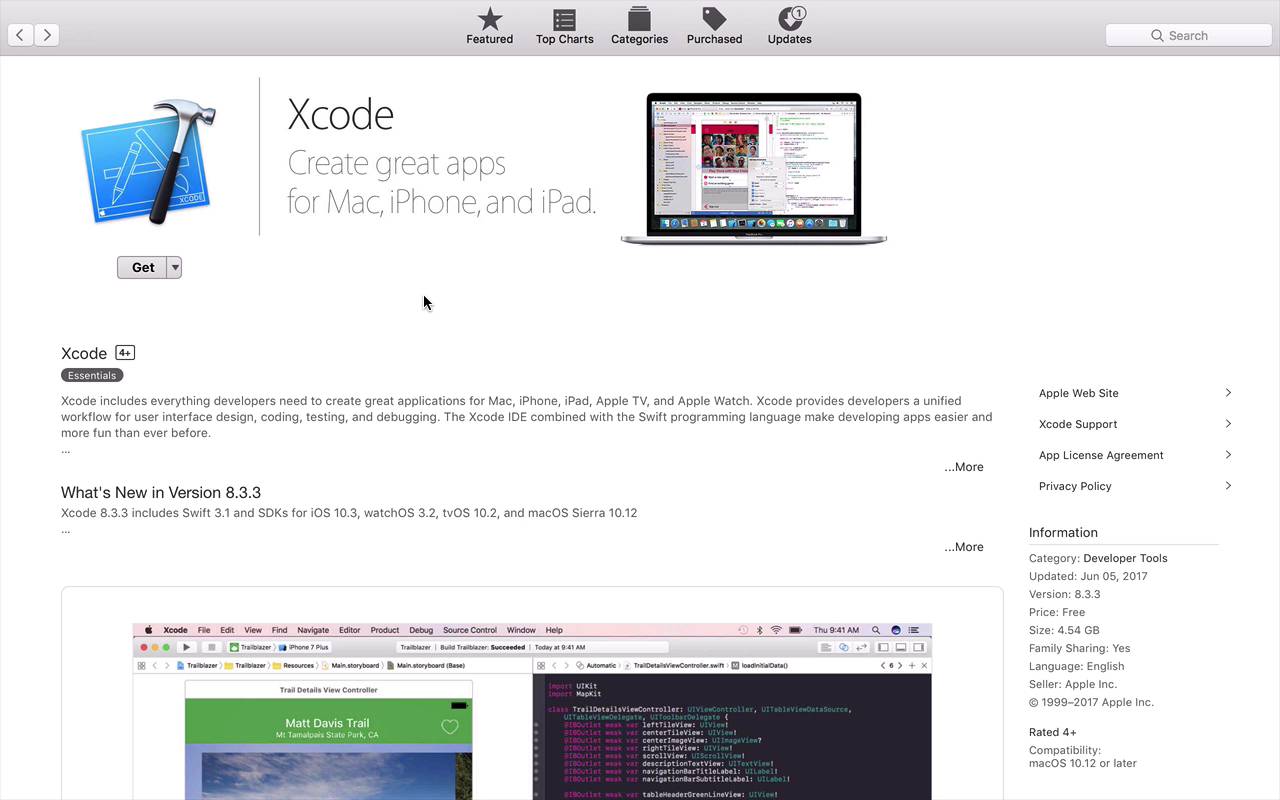
- Overview
- Transcript
1.2 Prerequisites
Before you can follow along with this course and be able to start coding design patterns in Swift, you need to have the proper setup. As usual for Apple development, you only need a single tool: Xcode.
Related Links
1.Introduction
1.1Introduction01:39
1.2Prerequisites02:48
2.Creational Patterns
2.1Factory10:16
2.2Abstract Factory12:24
2.3Singleton09:09
2.4Prototype09:18
2.5Builder11:40
3.Structural Patterns
3.1Adapter10:07
3.2Flyweight10:33
3.3Proxy05:53
3.4Bridge10:35
3.5Decorator11:44
3.6Composite09:43
3.7Facade07:19
4.Behavioral Patterns
4.1Iterator09:32
4.2Command07:48
4.3Chain of Responsibility13:47
4.4Mediator08:16
4.5Memento08:53
4.6Interpreter14:31
4.7Observer08:58
4.8Strategy07:36
4.9State06:21
5.Conclusion
5.1Conclusion02:42
1.2 Prerequisites
Let's take a few minutes to talk a little bit about some prerequisites that are gonna be necessary to follow along successfully in this course. Now in this course we're gonna be talking about design patterns. And while design patterns are not specific to any sort of technology or language. We will be using Swift in this course, and more specifically, we'll be focusing on Swift 3. Now, in order to do that, you will more than likely need a Mac. And in this case I have my MacBook Pro. And on here you´re also gonna need the proper tooling. And in this case, that's going to be Xcode. Now, Xcode is freely available from the App Store. All you need to do is fire up the App Store, search for Xcode. And download whatever the latest and greatest version is, and at this point, it's 8.3.3. Now I'm actually running 8.3.1. So as you can see, pretty much any sort of 8.3.x version should work just fine. Now having said that, just because we are using Swift 3 in this course doesn't necessarily mean that you can't use Swift 2. Because design patterns are really accessible to just about any sort of object oriented programming language. You could adapt the concepts that I'm gonna be talking about to just about any other object-oriented language. So maybe if you have an earlier version of Xcode and are maybe using Swift 2, you could probably adapt it to follow along. Now there will be certain cases where I will be using features that are more available to Swift 3. But like I said, you can get around some of those if you're familiar enough with the earlier versions of the language to adapt it to your needs. But in order to follow along more successfully, you probably want to have at least Swift 3. That would probably be your best bet. Now also I am going to be making the assumption that you have at least a basic understanding of the Swift programming language itself. This is not an in-depth course on the language itself. But we will be using some of the language constructs within Swift to be able to take advantage of these design patterns. So if you've never used Swift before, if you've never done any sort of Apple platform development. You may want to head back to some of the other Tuts courses, and take a look at some Swift programming courses. As well as some basic maybe iOS development courses to help you understand some of the fundamental concepts that you're gonna need to be able to follow along with this course. And once you've done that and have a basic understanding, you will absolutely be ready to go and follow along. So now that you have Xcode downloaded and installed and a basic understanding of the Swift programming language. Let's go ahead and get started talking about design patterns.


