
Phone Call Verification Code
Last updated - 03 December, 2025
The Phone Call Verification Code option provides an alternative method for completing Two-Factor Authentication (2FA) when logging in to the LogicMonitor platform. When you select this option, you receive a call on your registered mobile number and a unique verification code is shared with you.
Requirements for Logging In Using Two-Factor Authentication with a Phone Call Code
To log in using 2FA with a phone call code, you need the following:
- Your mobile phone number must be added and verified in your LogicMonitor user profile. For more information, see Configuring the LogicMonitor Portal Settings.
- You must have access to a mobile device that can receive phone calls.
Logging In Using Two-Factor Authentication with a Phone Call Code
- On the LogicMonitor Login page, enter your credentials.
- Select Get code via phone call to: as the verification method when prompted for 2FA.

- Select Get Code.
You will receive a phone call on your mobile device. - Follow the instructions in the call to input your confirmation.
The verification code is played three times.
Note: If you did not receive a phone call, select Code was not received to get another code.
- Enter the seven-digit verification code given on the phone call.
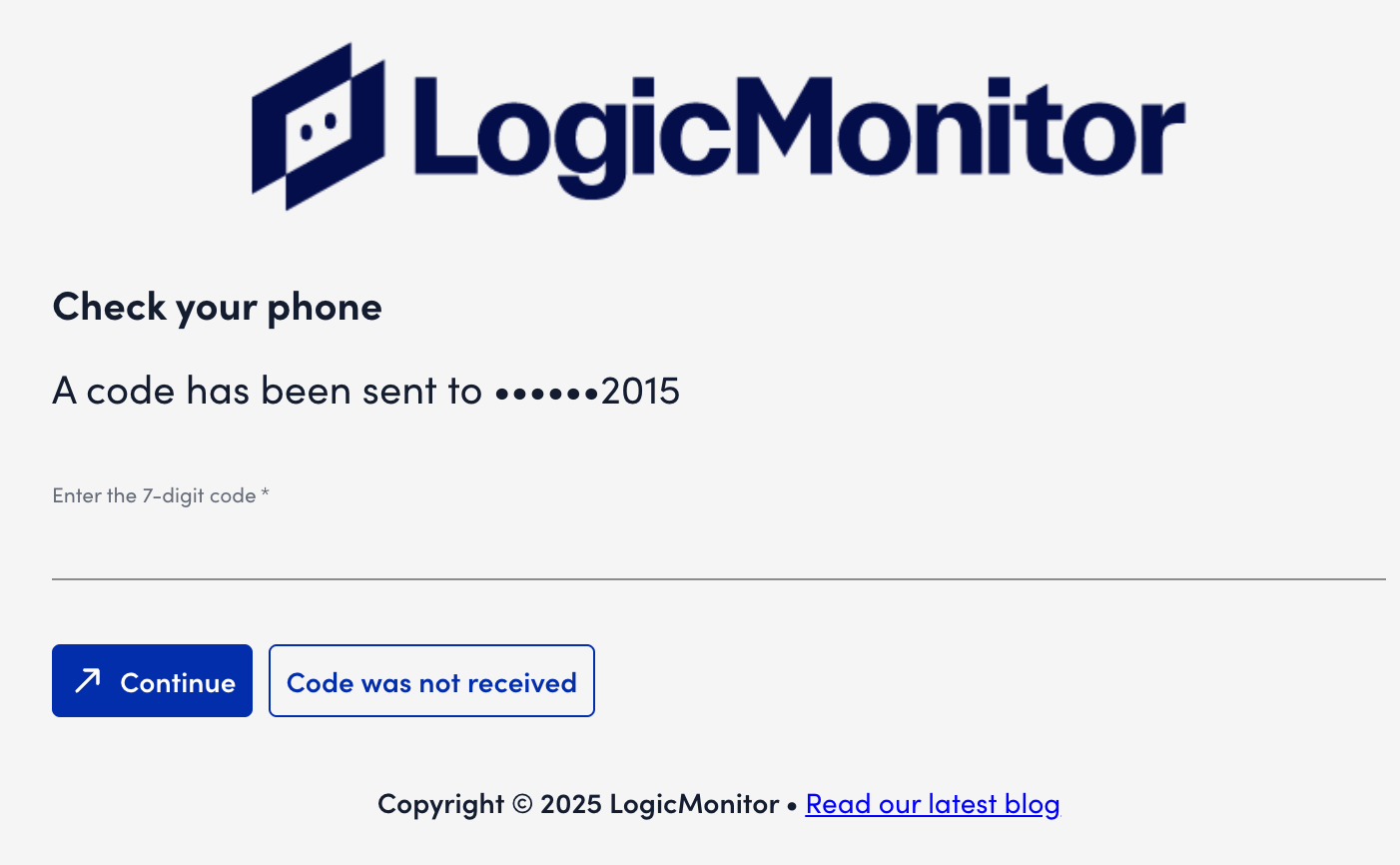
- Select Continue.
You are authenticated and logged in to your LogicMonitor account.
